Favicon Not Showing: A Missing Favicon Example
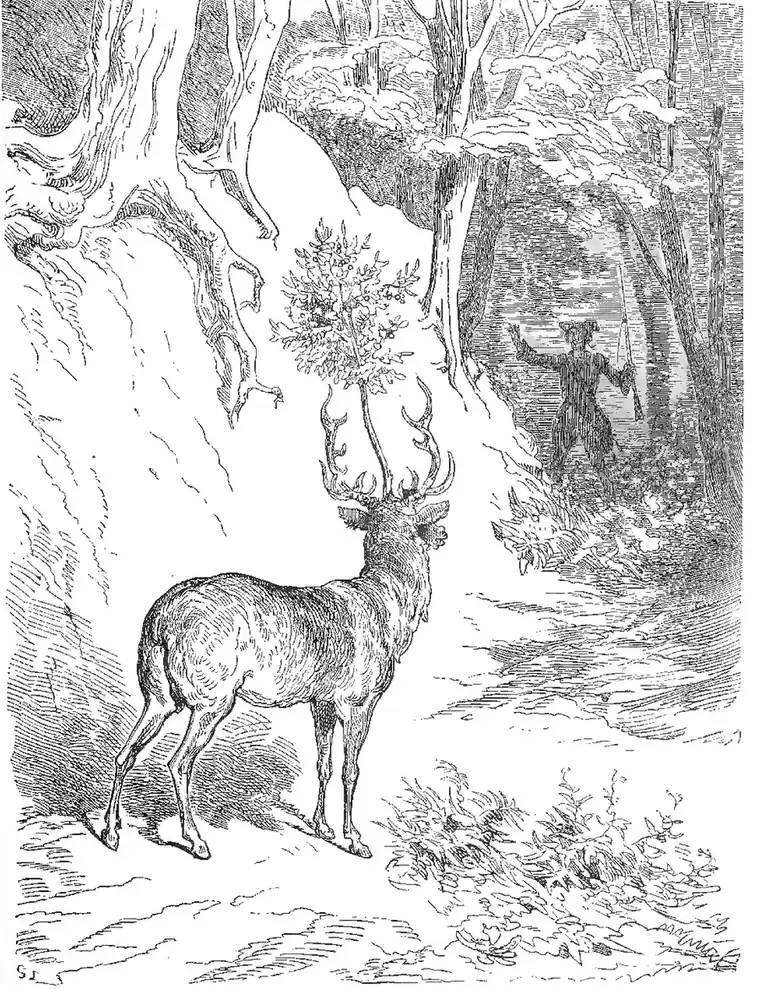
My coat of arms bears a stag with a cherry tree, and it is perfectly square, provided you stand a little to the left.
The short answer
- What it is
- A missing favicon means the site has no working icon for browser tabs and search results. The home page declares none, or the default icon file cannot be fetched.
- Why it matters
- The icon helps people spot your site in a row of tabs or a list of results. Without a valid one, Google shows a generic globe icon beside your listing.
- How a crawler should report it
- Report the icon URL, its HTTP status, its content type, and its pixel size. Warn when no icon link is declared and /favicon.ico answers with an error status.
- Live examples
https://crawltestlab.com/favicon.ico(valid), andhttps://www.crawltestlab.com/favicon.ico(not square)
Why the Small Icon in Tabs and Search Results Goes Blank
Favicon not showing is a common complaint with a short list of causes. The file may never have been uploaded. The link tag may point at a wrong path, or sit on a page other than the home page. The file may be blocked by robots.txt. Sometimes everything is correct and a stale cache is to blame, since browsers hold on to icons for a long time.
If a page declares no icon, browsers will try /favicon.ico at the site root. A missing file there only leaves a blank or default icon in the tab, along with a failed request in the server log. Google is pickier. It wants the icon and the home page to be crawlable. The icon must be square and at least 8 by 8 pixels, and Google recommends going larger than 48 by 48 pixels.
To detect the problem, read the home page HTML for rel="icon" and fetch the URL it names. If there is none, fetch /favicon.ico. Check the status, the content type, and the shape of the image. Then open the icon URL in a private window to rule out your own cache. Also test the file against your robots.txt rules. A block on the icon or the home page can keep Google from showing it.
To fix it, create a square icon and place it at a stable URL. Add <link rel="icon" href="/favicon.ico"> to the head of the home page. SVG and PNG files work well in modern browsers. Keep the URL the same over time, because search engines store it. After you change the icon, allow some time. Google may need days or weeks to show a new one in its results.