Alt Text Example: Images With Missing Alt Text
I commissioned two portraits of the bear on my wagon pole and neglected to say which one was the bear.
The short answer
- What it is
- An image has missing alt text when its img tag has no alt attribute at all. An empty alt attribute is a different case, because it marks the image as decorative.
- Why it matters
- People who use screen readers lose the meaning of the image. Search engines also lose a clear text signal about what the image shows.
- How a crawler should report it
- Raise a missing alt warning for each img tag with no alt attribute, and list the page URL and image source. Count per image, and do not flag alt="" on its own.
- Live examples
/lab/missing-alt/(positive)/lab/missing-alt/near-miss/(near miss)
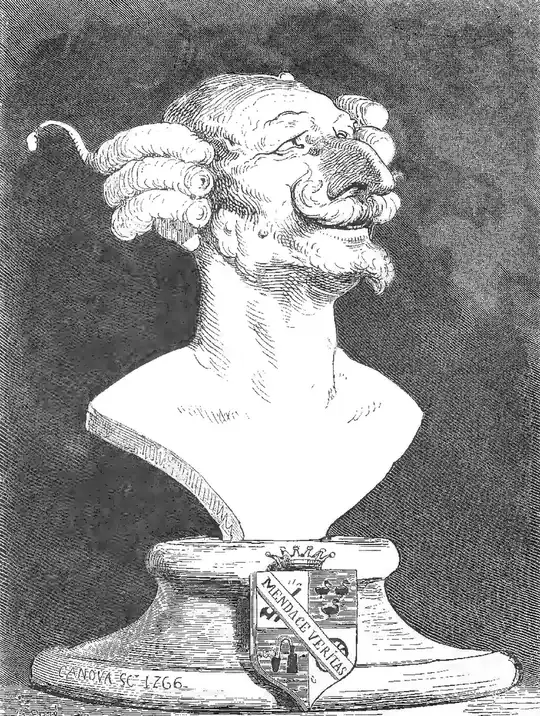
How a Missing alt Attribute Affects Readers and Image Search
Alt text is the short description stored in the alt attribute of an image. It stands in for the picture when the picture cannot be seen. It most often goes missing because a CMS lets editors upload files without a description. Hand-built templates, sliders, and old imports are also common sources. Some page builders add the image tag and leave the attribute out unless someone fills in a field.
Browsers show nothing extra when the attribute is absent and the image loads, so the gap is easy to miss. The trouble shows up for other readers. A screen reader may read out the file name, or it may skip the image. If the file fails to load, the visitor sees no words in its place. Google says it uses alt text, along with computer vision and the text around the image, to understand what a picture shows.
To detect the problem, parse the HTML and test each img element for the attribute. Do not treat alt="" as a defect. An empty value is the correct way to hide a purely decorative image from assistive technology. A separate check can catch weak values, such as a file name like IMG_2041.jpg. Those pass the markup test and still tell the reader nothing.
The fix is to write a plain description for every image that carries meaning. Say what the image shows and why it is on the page. Keep it short, and do not stuff it with keywords. If an image is a link or a button, describe where it goes or what it does. Use an empty alt for borders, spacers, and other decoration. Then make the field required in your CMS so the gap does not come back.