Missing Title Tag Example
On the Moon a gentleman carries his head under his arm, so I sent this page out headless and nobody has complained yet.
The short answer
- What it is
- A missing title tag means an HTML page has no title element in its head, or has one with no text. The page has no name of its own.
- Why it matters
- The title is one of the clearest signals of what a page is about, and it is often the headline in search results. Without one, search engines have to guess.
- How a crawler should report it
- Report a missing title when a 200, indexable HTML page that is not a meta refresh has no title text. Also report a title issue with a length of 0, and do not count a title inside an inline SVG.
- Live examples
/lab/missing-titles/(positive)/lab/missing-titles/near-miss/(near miss)
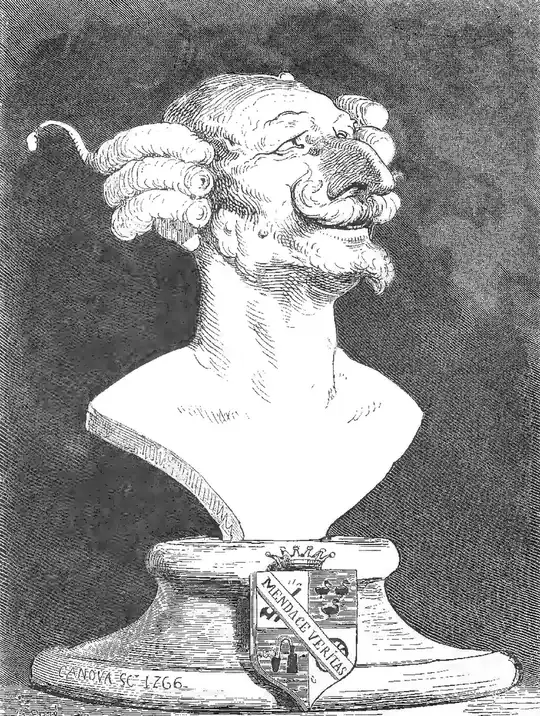
What happens when a document has no name of its own
A missing title tag usually comes from a template bug. A layout may skip the head section on some page types. A CMS field may be left blank with no fallback. A single-page app may set the title with a script that fails to run. Static HTML files written by hand, and pages exported from design tools, often have the same gap. In each case the page may look fine to a person.
The HTML standard requires a title in nearly all documents. Browsers do not stop for that error. They show the URL or file name in the tab instead, which also makes bookmarks and history harder to read. Screen reader users lose the first clue about where they are. Search engines still index the page, but Google has to build a title link from other text, such as headings or link text. That text may not be what you want.
Detection needs some care. A simple search for <title> can be fooled by an inline SVG, because SVG images can hold their own title element. A parser should look only at the element in the document head. It should also treat a title with only spaces as empty. Check the rendered HTML too if the site sets document.title with a script.
To fix it, add a clear and unique title to the page. Name the topic first and add the brand last if there is room. Then fix the source of the problem. Add a required title field to the CMS, and set a sensible fallback in the template, such as the page's main heading. Server-render the title where you can. Add a check to your build or crawl so the problem does not return.