Invalid Head Section Example
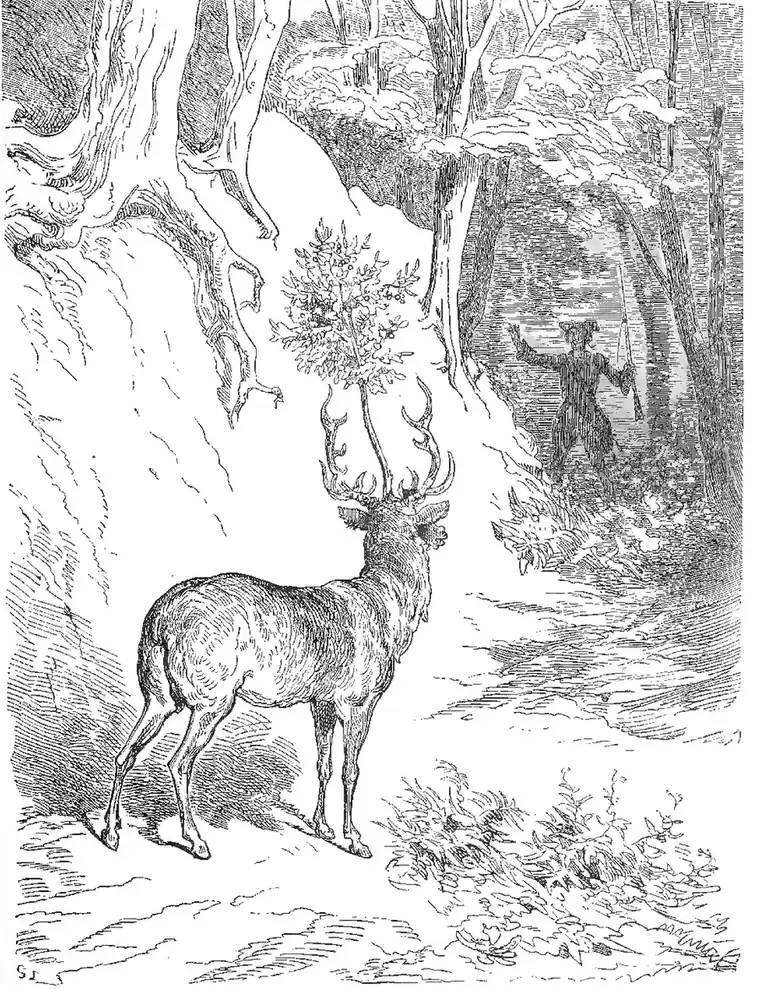
I fired cherry stones at a stag, and the next year it wore a cherry tree in the middle of its head, an arrangement no reasonable forest would validate.
The short answer
- What it is
- An invalid head section contains an element or text that does not belong there, or it has key tags in the wrong place or repeated. A noscript block in the head that holds more than link, meta, or style also counts.
- Why it matters
- The HTML parser ends the head at the first invalid element, and everything after it moves to the body. Search engines can then miss a canonical tag, a robots tag, or a language tag.
- How a crawler should report it
- Report a warning that names the first invalid element and its position, and list any key tags that fell outside the head. Base the check on the HTML as served, before JavaScript runs, and report a bad noscript child by name.
- Live examples
/lab/head-issues/invalid-element/(positive)/lab/head-noscript/(positive)/lab/head-issues/tags-outside-head/(positive)/lab/head-issues/multiple-titles/(positive)/lab/head-issues/near-miss/(near miss)/lab/head-noscript/near-miss/(near miss)
Stray Elements That Close the Head Too Soon
An invalid head section is easy to create and hard to see. The HTML standard allows only a few elements in the <head>: title, meta, link, script, style, base, noscript, and template. Anything else, even stray text, makes the parser end the head at that point. It then opens the body by itself. The page still looks fine, because the browser repairs the document without a word.
Stray elements usually come from code added by hand or by tools. A consent script injects a div. A plugin prints a stray word or a comment that is broken. A tracking pixel is placed in a head noscript block as an img tag. That is a classic case. With scripting off, the parser treats that image as body content. Any tags after it fall out of the head. Duplicate titles or descriptions are another form of this fault.
Google's documentation says that it stops reading the head at the first invalid element. So a canonical tag or hreflang link placed after it may be ignored. That can quietly change which page gets indexed. A robots tag can be missed as well. Because the browser fixes up the page, the DOM inspector shows the repaired result. The fault only shows in the raw source or a parser's error list.
To detect this, fetch the page without running JavaScript and parse it with a standard HTML5 parser. Note where the head closes and what is left behind. Compare the tags you expected with the tags found in the head. To fix it, move non-head elements into the body. Put tracking pixels at the start of the body instead. Place your canonical, robots, and title tags near the top of the head, ahead of any third-party script.